
Welcome to Atlato ABC
Atlato ABC is a shared workspace where people, AI agents and workflows get work done together. You chat with the AI model of your choice, hand parts of the work to a teammate or an agent, follow it through, and get the result back in the place you started.
Most AI tools give one person one chat window. Atlato ABC is built for a team: every chat can become shared work, and everything around it (teams, agents, elves, workflows and dashboards) is there to move that work along.
Key ideas
Section titled “Key ideas”Bring your own AI. You connect the AI providers you already use: an API key from a provider such as OpenAI, Anthropic or Google, or a subscription you already pay for, such as ChatGPT or Claude. The AI’s own charges stay between you and your provider. Atlato ABC uses credits only for the platform itself, and never resells AI usage.
Any model, any time. A chat is not tied to one AI vendor. You can switch models in the middle of a conversation, and the new model picks up the whole conversation so far.
Work breaks down into smaller work. Any chat can split off a smaller piece of work, called a breakaway, that carries only the context it needs. You can hand it to a teammate, an agent or an elf, and whoever takes it can split their part again.
Nothing is mandatory except signing up. The welcome tour, connecting an AI model and every personalization screen can be skipped and picked up later. Skipping never locks you out. The exceptions are an AI chat and an elf: each needs a model to work, so each asks you to connect one.
Where to begin
Section titled “Where to begin”-
Get into a workspace. Create your own workspace, or accept an invitation to join your team’s.
-
Take the welcome tour. A few short videos show each part of the app the first time you sign in. See the welcome tour.
-
Connect an AI model. Paste an API key or sign in with a subscription, and pick the model new chats start on. See Connect an AI model.
-
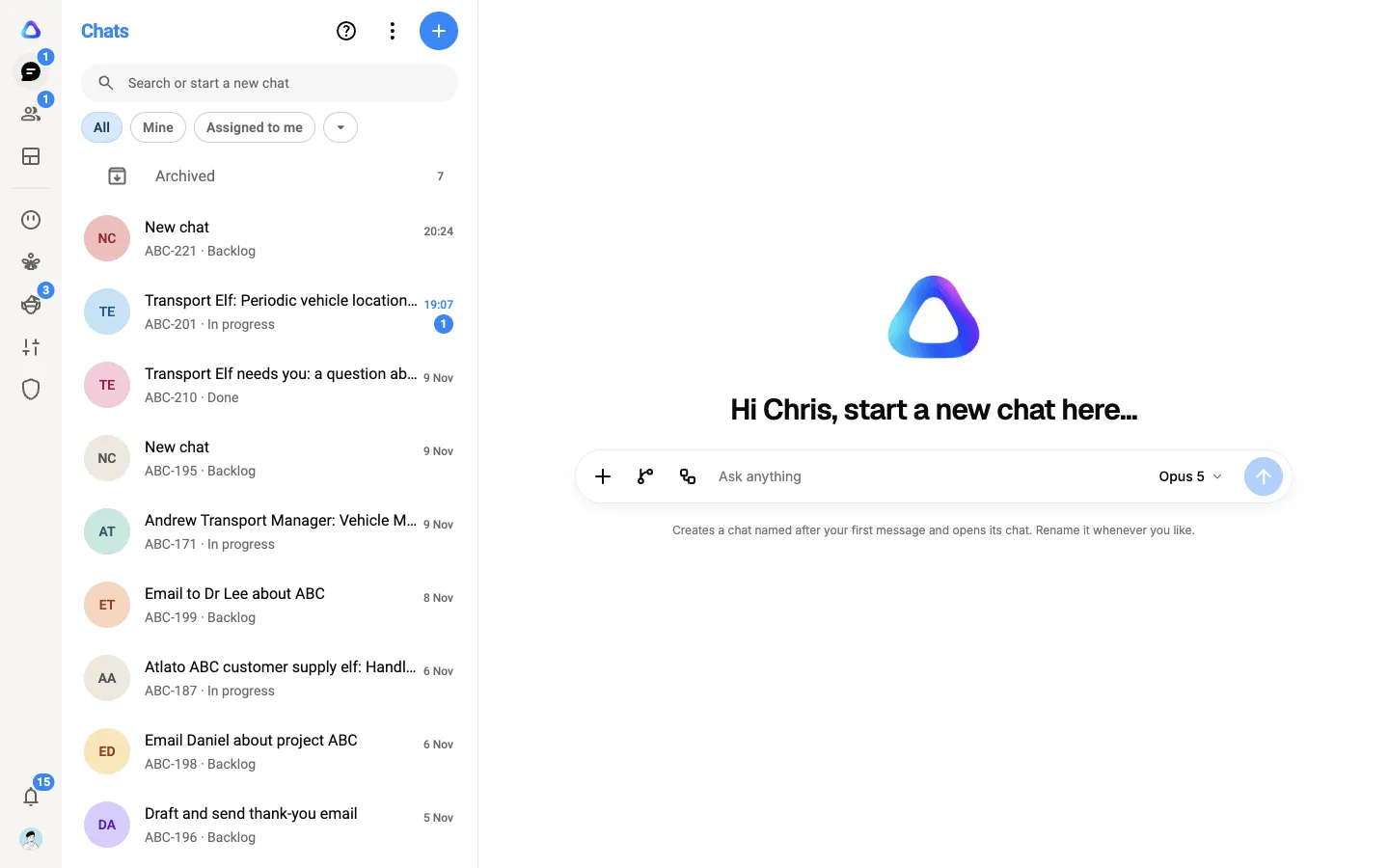
Start your first chat. Select Chats, type what you need and press Enter. See Chats.